
Curtis High School Open House
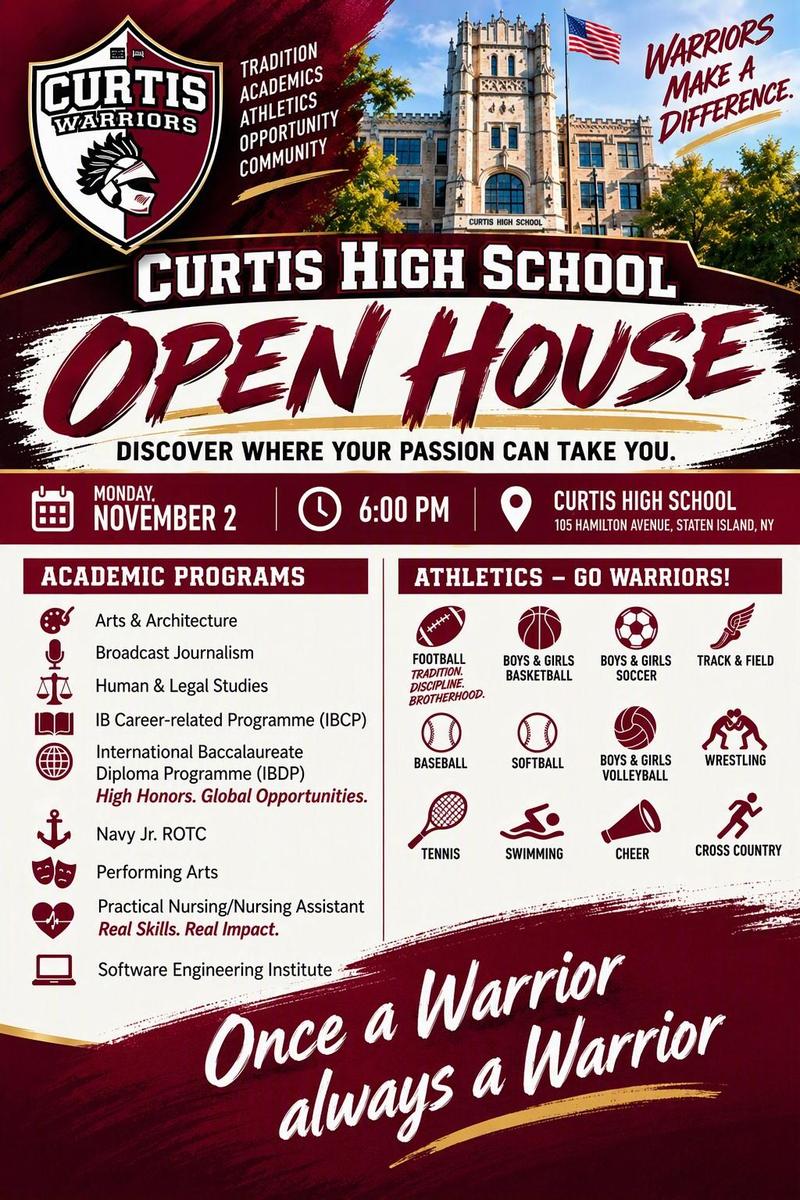
All Middle School students and their families are invited to come see all that is happening at the Castle! Monday, November 2, 2026 at 6 pm.
All Middle School students and their families are invited to come see all that is happening at the Castle! Monday, November 2, 2026 at 6 pm.
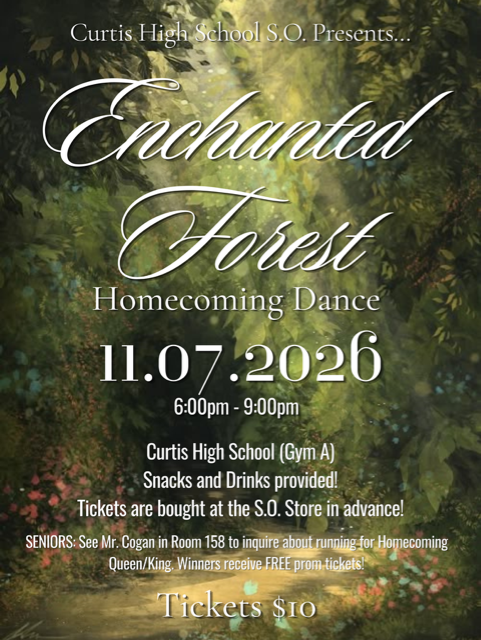
Curtis High School S.O. Presents..ENCHANTED FOREST! Saturday, November 7, 2026 from 6 - 9 pm in Gym A.
$10 admission - tickets can be purchased at the S.O. Store in the cafeteria. ALL grades are welcomed. ONLY Curtis students are allowed to attend!
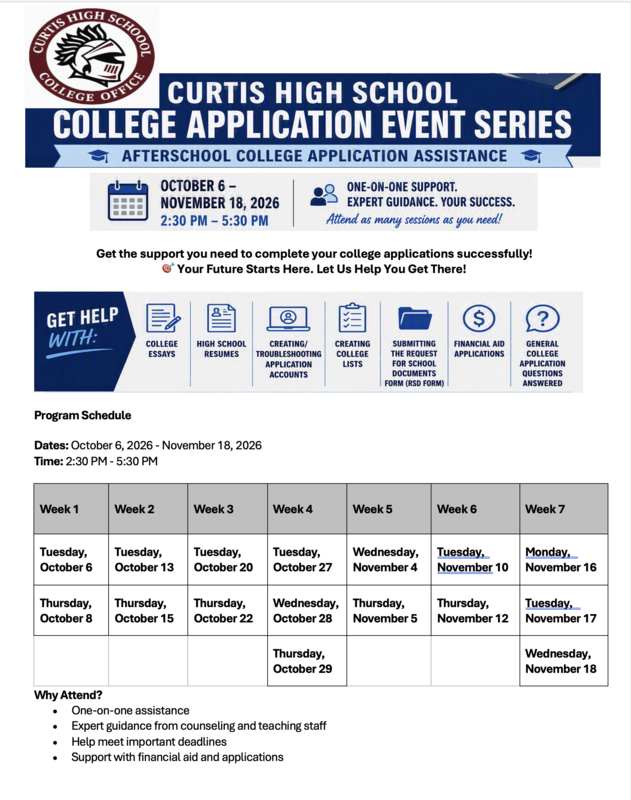
Get assistance afterschool with College applications, essays, financial aid applications, etc. Go the College Office for more information and to sign up.
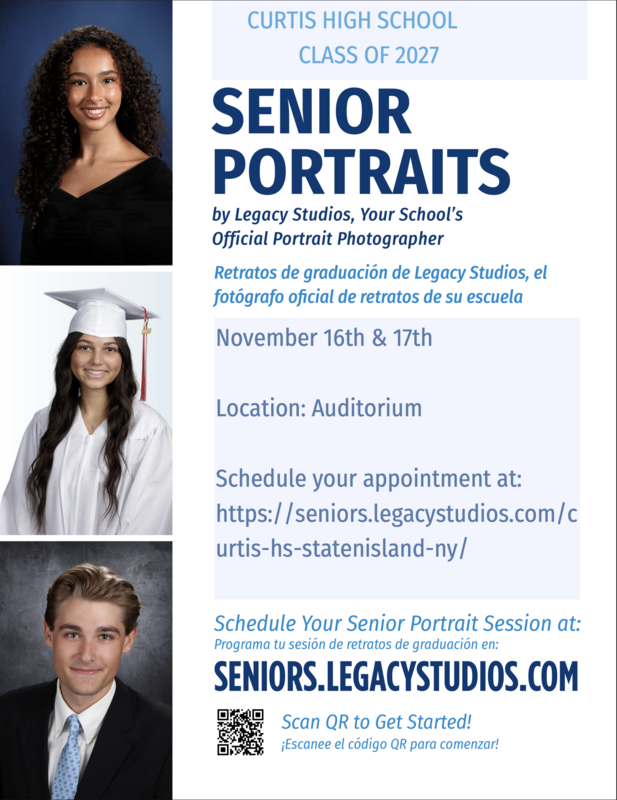
The dates for The Class of 2027 Senior Photos are as follows.
November 16 & 17, 2026
December 14 - 18, 2026
January, 5 - 8, 2027
January 11 - 15, 2027
Pictures will be taken in the auditorium
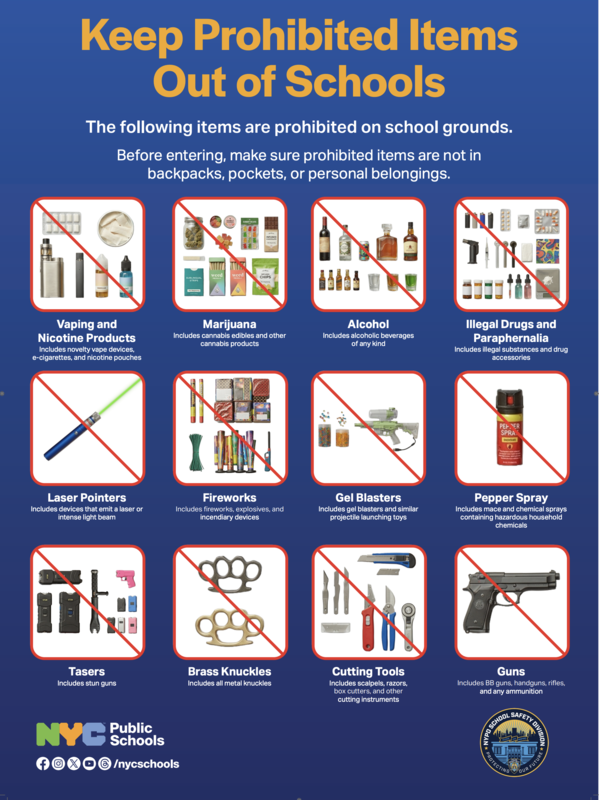
New safety procedures begin on September 22, 2026. See the attached memo and the items that are now prohibited